Laptop Squatting Etiquette Mastery for Respectful Community
Jason McKenzie
January 6, 2026
share to
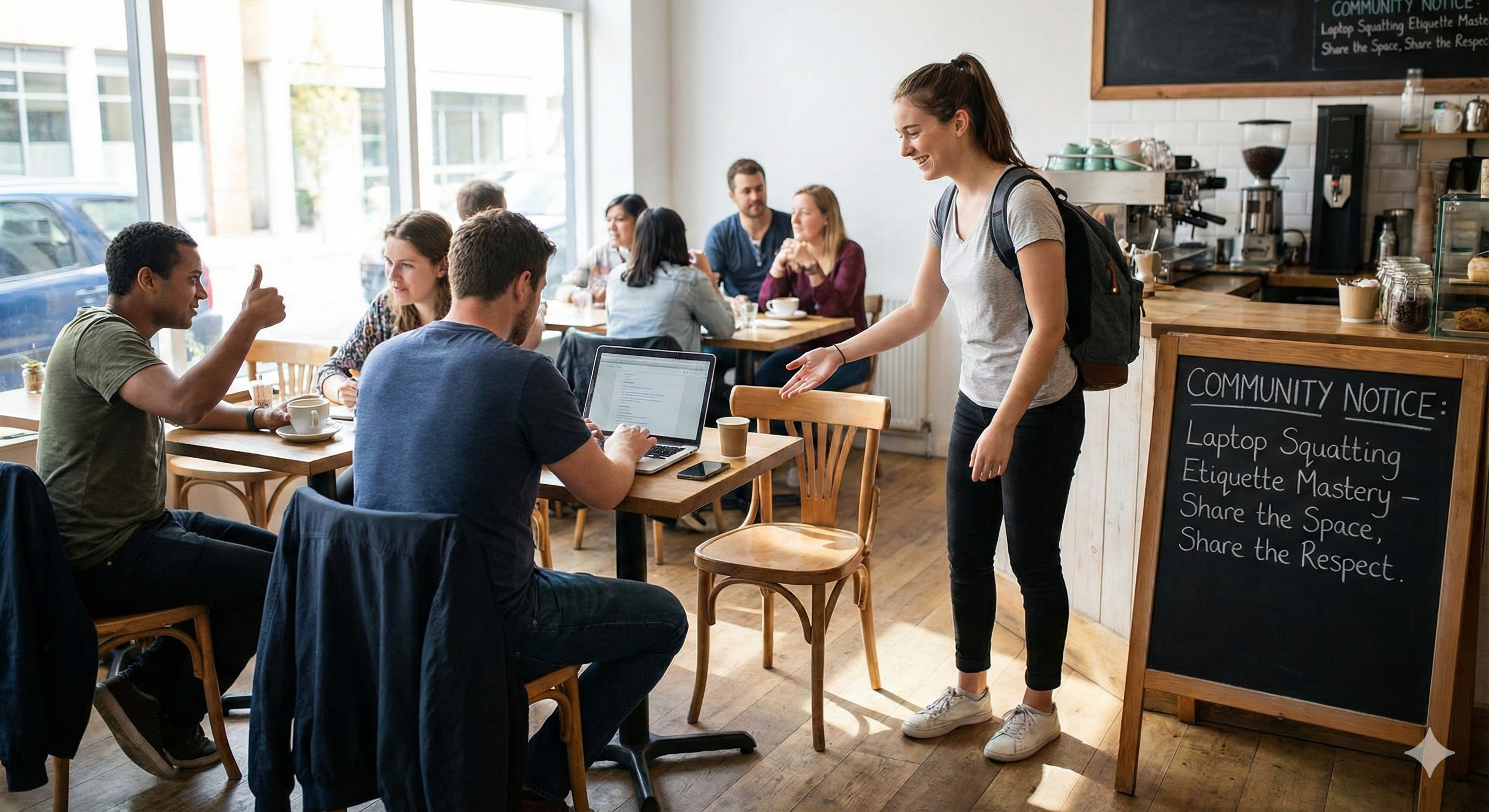
Navigating the buzzing atmosphere of public spaces such as coffee shops and shared workspaces requires a delicate balance of personal productivity and community awareness. Laptop squatting etiquette becomes crucial, ensuring that our presence in these venues contributes positively rather than disrupts. This set of unwritten rules governs how patrons can engage with communal areas without infringing on the experiences of others. Neglecting these practices can lead to monopolizing seating or outlets, creating potential friction with fellow patrons and café staff. Alongside the anticipation of a productive day, understanding these guidelines elevates the café experience for all. Discover how to incorporate these habits into your routine while respecting shared environments, ultimately fostering a community-minded approach to laptop use in public spaces.
Understanding Laptop Squatting Etiquette in Public Spaces
Laptop squatting etiquette refers to the respectful and considerate use of shared public spaces, such as cafes and co-working areas, when working on a laptop. It centers on balancing one’s productivity needs with the rights and comfort of other patrons. This etiquette is crucial in maintaining a positive environment where everyone can enjoy access to seating, power outlets, and a welcoming atmosphere. Common pitfalls in laptop squatting include:
Occupying a table for extended periods while making minimal purchases, which limits access for others who want to use the space.
Monopolizing power outlets, preventing other individuals from charging their devices.
Using large tables alone, thereby reducing availability for groups or multiple users.
Ignoring peak hours (typically 11 AM to 2 PM), which can cause overcrowding and strain on cafe resources.
Holding lengthy meetings or loud conversations that disrupt the quiet and focused ambiance others seek. To foster a mutually respectful environment, it is recommended to follow guidelines such as the two-hour rule, ordering regularly to justify your stay, and choosing seating that aligns with your group size. Awareness and adaptability to the dynamics of shared spaces enhance community goodwill. Platforms like Journey support this ethos by connecting like-minded individuals who value respectful, purposeful interaction in public and shared workspaces. Journey’s vibrant communities offer a rich environment to learn, share, and engage, reinforcing etiquette that benefits all members.
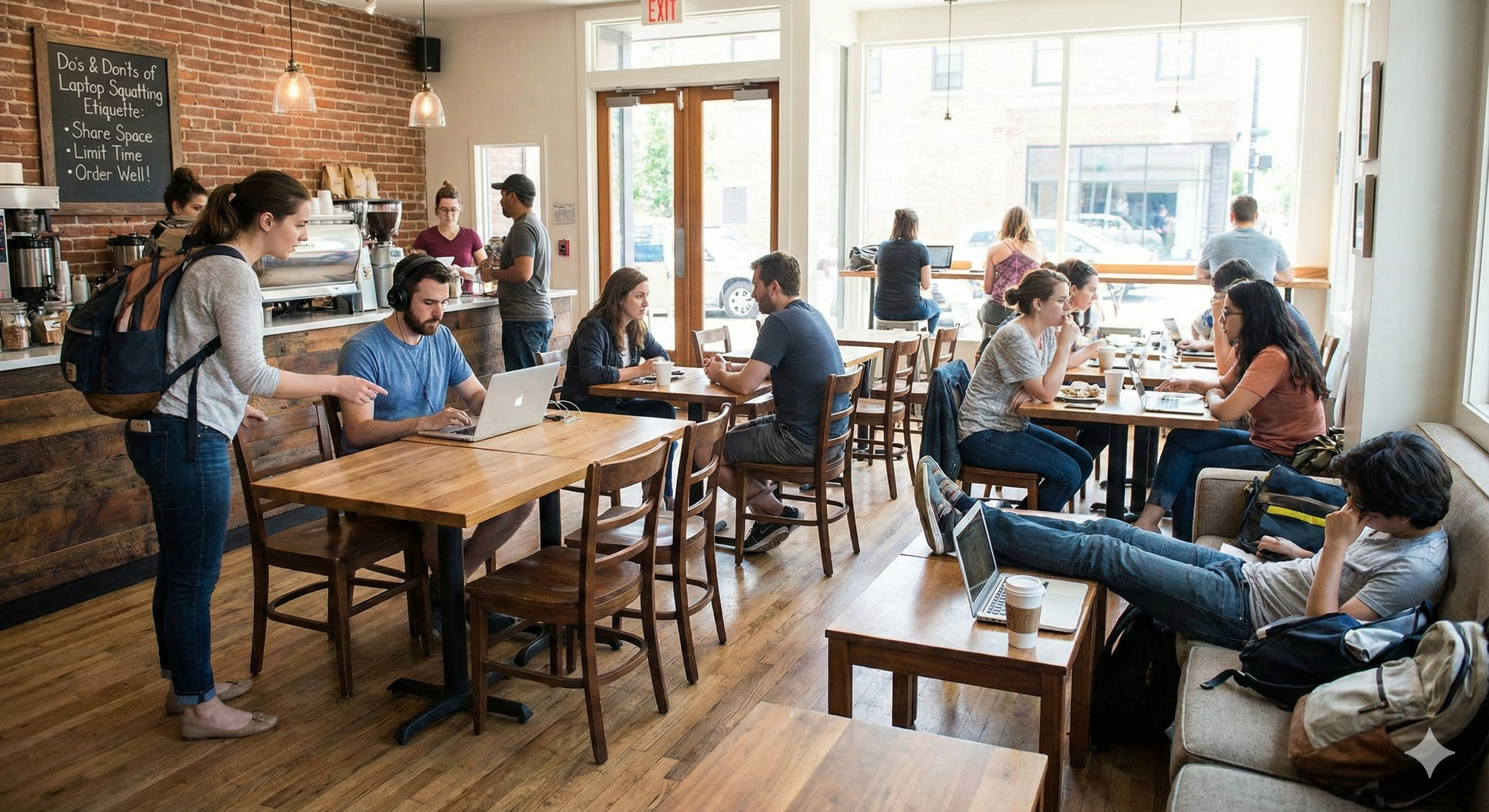
Do’s and Don’ts for Laptop Squatting Etiquette
Setting clear guidelines for laptop usage in public spaces is crucial to maintaining a respectful and welcoming environment. Shared seating areas like cafes and co-working spaces thrive when users balance their productivity needs with consideration for others. Following practical do’s and don’ts ensures everyone can enjoy these spaces without friction.
Do order regularly, aiming to spend at least $5 per hour to fairly support the venue.
Don’t overstay your welcome; limit your stay to about two hours per purchase during peak times.
Do choose smaller tables when working alone to leave larger spaces available for groups.
Don’t hold long phone calls or engage in loud conversations that disrupt others’ focus.
Do keep noise to a minimum by using headphones and speaking quietly if necessary.
Don’t monopolize power outlets; be mindful of others needing to charge their devices.
Do clean up after yourself, leaving the area tidy for the next person. Respecting these norms fosters a courteous atmosphere where shared seating guidelines are honored. This approach not only benefits individual users but also supports the broader community of public workspace users. Journey, as a vibrant social network, encourages like-minded individuals to participate in communities that emphasize mindful and respectful public behavior. Through Journey’s integrated tools, members can engage, share resources, and reinforce positive etiquette, creating fulfilling experiences in public and shared environments.
Balancing Productivity with Respect for Shared Environments: Laptop Squatting Etiquette Tips
Striking the right balance between productivity and respect in shared public spaces is essential for creating an environment where everyone can thrive. Maintaining focus while honoring the needs of others ensures that these spaces remain welcoming hubs for work and connection. Effective laptop squatting etiquette helps individuals stay productive without causing disturbances or monopolizing resources. Key tips to blend personal productivity with workspace courtesy include:
Monitor your stay duration by following the two-hour rule to allow others access to seating.
Opt for quieter seating areas that minimize distractions for yourself and others.
Be aware of your surroundings and adjust your space usage during peak hours, typically 11 AM to 2 PM.
Make regular purchases proportional to your time spent, supporting the business and community.
Choose seating that fits your group size to avoid occupying unnecessarily large tables. Journey supports this balance by fostering vibrant communities where like-minded individuals share resources and insights about respectful public behavior. Through Journey’s integrated tools, users can engage in discussions, learn from seasoned members, and access tailored recommendations that promote mutual respect in shared environments. This community-focused approach enriches experiences, encourages continuous growth, and helps users remain mindful of their impact while pursuing their passions.
Handling Power Outlet and Table Space Monopolization: Laptop Squatting Etiquette Challenges
Monopolizing power outlets and large tables presents a critical challenge in shared public spaces like cafes and co-working hubs. Many individuals arrive unprepared, settling near scarce outlets without scouting alternatives first, inadvertently blocking access for others. Similarly, occupying oversized tables alone reduces availability for groups and diminishes overall table turnover, leading to frustration among patrons and staff. This imbalance compromises the essence of shared resource management and strains the communal atmosphere.
Challenge
Best Practice
Unintentional monopolization of power outlets
Locate available outlets before settling to avoid blocking others.
Using excessive equipment causing a large footprint
Disable or minimize devices to maintain a minimal and tidy workspace.
Occupying large tables when alone
Choose smaller tables to maximize space for groups and multiple users.
Extended stays without proportional purchases
Make regular purchases to fairly support the venue and encourage turnover.
Practicing mindful space management enriches the environment for all. Individuals who assess their seating needs, respect outlet availability, and contribute fairly through purchases foster a vibrant, inclusive community. This shared understanding supports long-term coexistence in bustling public workspaces and exemplifies the mutual respect at the heart of laptop squatting etiquette.
Acoustic Considerations and Noise Levels in Laptop Squatting Etiquette
Maintaining low noise levels is central to respectful laptop use in public spaces. A quiet environment supports focus and productivity for all patrons, making it crucial to manage sound thoughtfully. Using headphones and speaking softly helps preserve the calm atmosphere that shared workspaces and cafes rely on. Key tips for managing noise effectively include:
Use headphones: Keep audio personal to avoid disturbing others nearby.
Speak softly: Minimize volume when conversing to maintain a peaceful ambiance.
Keep phone calls brief: Limit the duration of calls to reduce disruption.
Step outside for calls: For longer conversations, move away from the shared space.
Avoid loud conversations: Respect the shared environment by keeping discussions low-key. Platforms like Journey foster communities that value courteous behavior and focused work environments. Journey’s integrated tools enable members to share experiences, resources, and strategies for maintaining considerate conduct in public spaces. Through active participation and mutual support, users cultivate a vibrant and respectful atmosphere, enriching their shared endeavors and personal growth.
Cultural Sensitivity and Adaptation of Laptop Squatting Etiquette in Various Venues
Cultural sensitivity plays a crucial role in how laptop squatting etiquette is practiced across different public spaces. Recognizing that local norms and expectations shape acceptable behavior is essential for fostering respect and harmony in shared environments. Different venues often reflect diverse attitudes toward extended laptop use. For example:
Chain coffee shops usually have standardized policies and often tolerate longer laptop stays, as their business model supports remote work and casual visits.
Independent or boutique cafes tend to have stricter expectations, prioritizing turnover and face-to-face social interaction over prolonged laptop use.
Urban spaces in different regions might vary widely in acceptable noise levels, seating arrangements, and time limits based on local customs and foot traffic.
Staff at smaller venues may be more sensitive to patrons who occupy prime seating or outlets for extended periods without proportional purchases, valuing community rapport and mutual respect. Understanding these distinctions helps individuals adapt their behavior to align with venue-specific etiquette, ensuring thoughtful interactions with both staff and other customers. Adapting to local expectations enhances the essence of laptop squatting etiquette by fostering goodwill and reducing friction. Being mindful of cultural cues and venue-specific rules ultimately supports a respectful, inclusive atmosphere that benefits all patrons. Journey enriches this dynamic by connecting individuals with diverse local groups and communities that value cultural sensitivity and shared respect. Through Journey’s customizable communities and event tools, users can participate in discussions and gatherings that highlight local norms and encourage mindful public behavior. This vibrant platform fosters authentic connections and continuous learning, empowering members to navigate varied urban etiquette with confidence and consideration.
Final Words
Navigating public spaces with consideration enriches shared environments. By understanding the nuances of Laptop Squatting Etiquette, individuals can balance their productivity while respecting communal areas.
From monitoring stay durations to managing noise levels, each action contributes to a collective experience. Embracing such mindful behavior fosters mutual respect and supports vibrant community interactions.
Harnessing these practices ensures a positive impact on both personal work efficiency and public harmony. Engage thoughtfully, and transform your public workspace into a haven of community and creativity.
How long can you stay in a cafe to study?
In balancing productivity and respect, the two-hour rule is advisable. Extended stays without regular purchases are discouraged, especially during peak times from 11 AM to 2 PM.
What are the coffee shop rules and regulations for customers?
Customers should make mindful purchases, adhere to noise control by keeping conversations brief, and value communal space by avoiding monopolizing tables and power outlets. Proper etiquette promotes a harmonious environment for everyone.
What is working from coffee shop etiquette?
Working courteously involves regular purchases, choosing smaller tables when alone, and respecting space and noise guidelines to maintain a productive, community-friendly atmosphere.
Can you sit in a coffee shop without buying anything?
While it's technically possible, it is considered polite and supportive of the business to make a purchase. Establishments rely on customer transactions to keep providing public workspaces.
What is the correct posture for a laptop?
Maintaining correct posture involves sitting with a straight back, keeping feet flat on the ground, and ensuring the laptop screen is at eye level to reduce strain.
Why don't cafes allow laptops?
Some cafes might restrict laptops to manage seating availability, maintain ambiance, or encourage higher table turnover, ensuring a fair experience for all patrons.
What are the do’s and don'ts for laptop usage in public spaces?
The do’s include ordering regularly and using headphones. The don'ts involve overstaying without consuming, making loud calls, and occupying large tables unnecessarily.
Should a laptop be placed on a lap?
For ergonomics and heat management, a laptop should generally be placed on a flat surface rather than directly on the lap.